

Lean Library – set up Saxion as your institute
Do you use Lean Library in your browser for faster and better access to all our online databases and services?
This summer, Lean Library was revamped and given a fresh look and new features. This update was carried out entirely by Lean Library.
You may need to set Saxion up again as an institute in Lean Library to make full use of it.
In your browser (in this case Chrome), click on the icon for the Lean Library extension:

The new Lean Library popup appears.
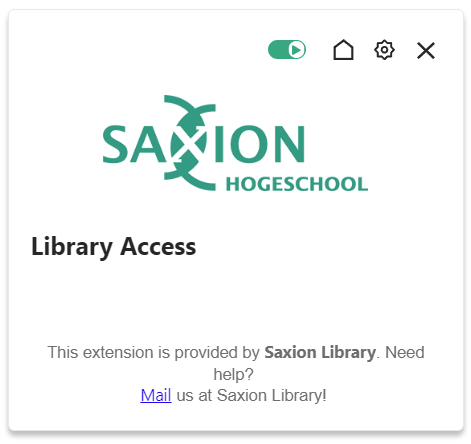
You may not see the Saxion logo in the popup yet if you have not selected Saxion as your institute.
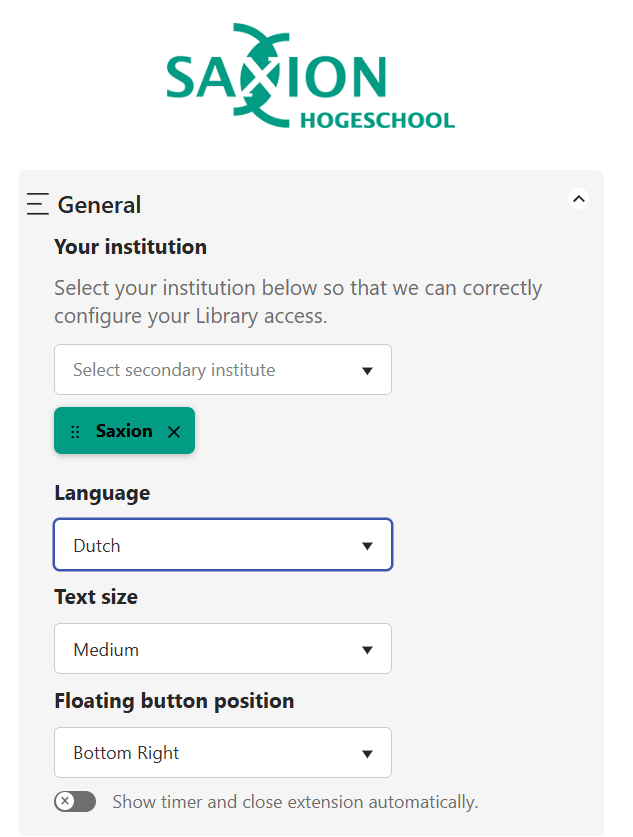
Go to the settings ( ) and customize the popup. You can also choose the language and the location where you want quick access to Lean Library on your screen.
Lean Library continues to evolve to make searching for and finding relevant information as smooth as possible for you.
Visit Home Access Databases for more information about Lean Library or chat/email with us!